OBP Order Creation
Follow
Steps on How to Create Order to OBP Website
- Open the Internet Browser and go to www.onboardprint.com OBP Website.
- Enter Login Credentials.
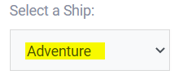
- Verify the Vessel Name if it is Correct.
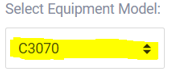
- Verify if the Models Selected are Correct (multiple can be selected).
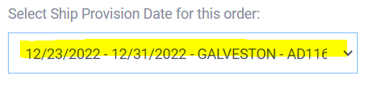
- Select Ship Provision Date (select from onboard Siso File)
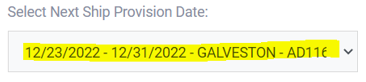
- Select Next Ship Provision Date (same as Provision Date)
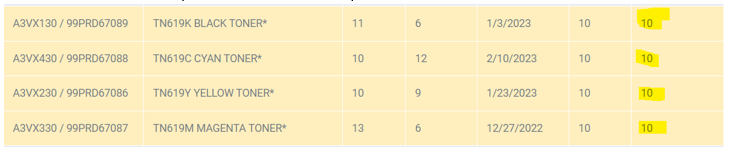
- System will automatically fill the parts under par level (not supplies). Please review and enter parts needed correctly per par level.
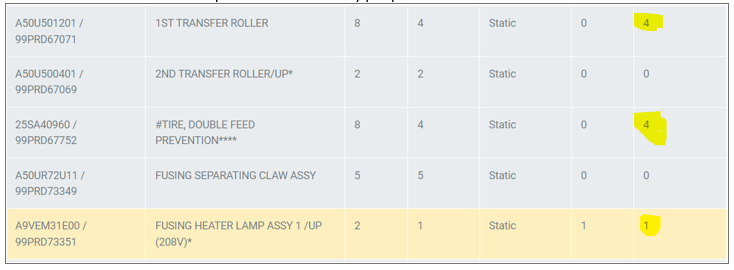
- Toners and papers must be entered per your monthly consumption. These counts are kept and used in the monthly ratio file.
- Confirm that everything is correct then submit.